



5 min read

Frontier Reality Check: Navigating Microsoft 365 E7 & the Agentic Enterprise

Frontier Reality Check: Navigating Microsoft 365 E7 & the Agentic Enterprise
10:10

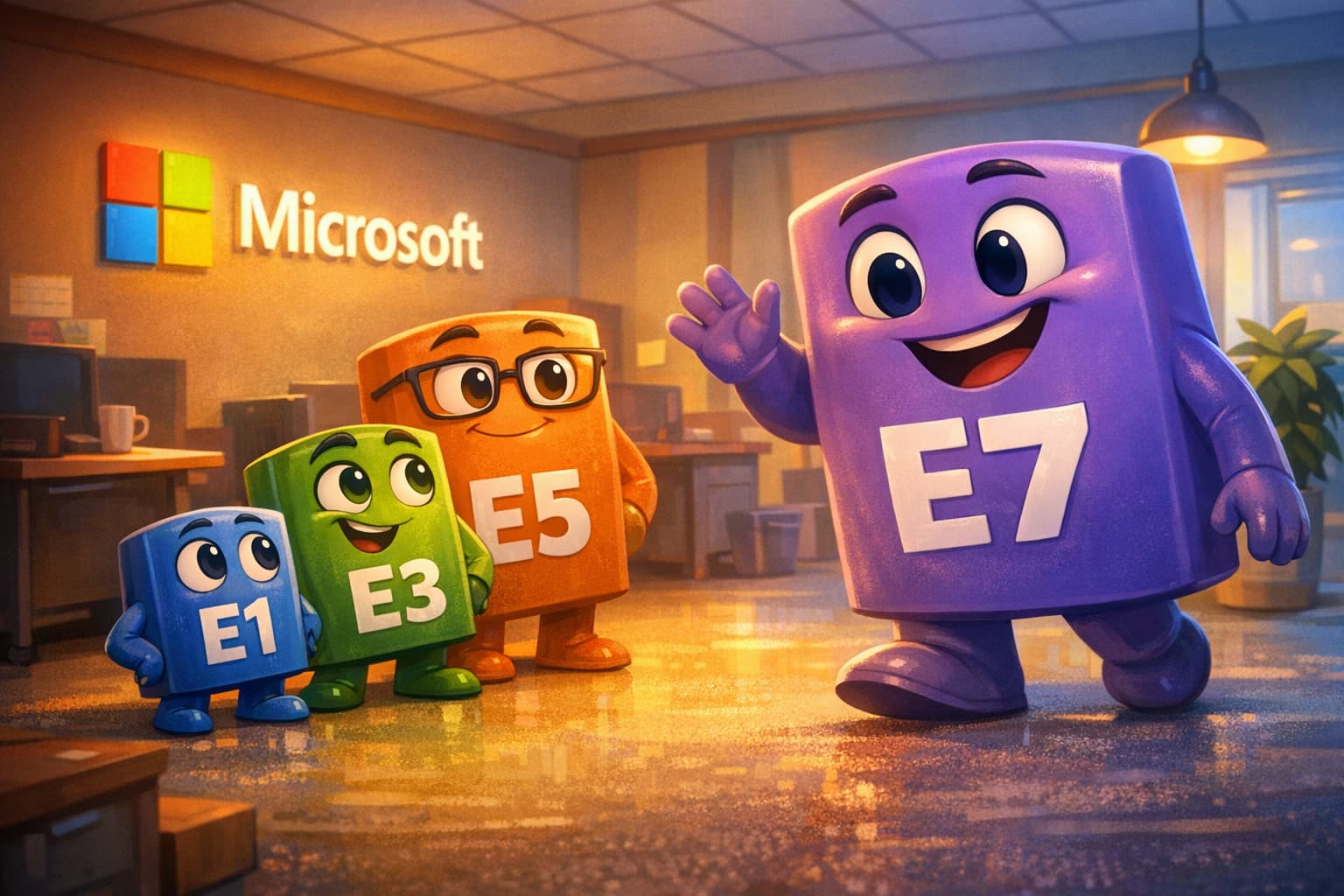
Microsoft just ended the "add-on" era. For nearly a decade, E5 was the top of the productivity licensing stack, the "everything bucket" for security, compliance, and voice. With the announcement of Microsoft 365 E7 (The "Frontier Suite"), we are moving from a world where AI is a bolted-on experiment to one where "agentic" capabilities are treated as foundational infrastructure.

But let’s get past the marketing polish. At $99 per user, per month, E7 is a massive bet. Microsoft is saying AI is no longer a luxury feature; it is the new baseline. For the organizations we work with at TEAM IM on AI-readiness, the question is whether the license matches the reality of their data and their budget.

If you are a decision-maker evaluating this shift, you don’t need a brochure. You need a reality check.

I. The E7 Anatomy: Stripping the Marketing Fluff

To understand E7, you have to look at what it actually bundles. Microsoft is essentially packaging the "frontier" of their stack into a single, high-margin SKU.

At its core, E7 includes the M365 E5 foundation. You still get the security, identity management, and compliance tools that defined the last decade. But the "7" comes from bundling Microsoft 365 Copilot into the suite (Copilot is still available as a separate license), alongside the Entra Suite and the brand-new Agent 365.

The New Engines: Agent 365 and Work IQ

The most critical additions are Agent 365 and Work IQ.

    • Agent 365: The control plane for bots. A central registry to manage, secure, and observe every AI agent in your environment, whether it was built by Microsoft, a partner, or your own dev team.

    • Work IQ: The semantic engine that provides the contextual glue. It builds a cross-app intelligence layer that tracks not just what documents say, but how people work together and what projects are related.

The Financials: The "Bundle" Reality

Here’s the part that matters. Using commonly cited US list prices (and depending on your exact E5/Teams/term/channel), buying E5, Copilot, the Entra Suite, and Agent 365 à la carte lands around $105–$117 per user depending on whether you use current or post-July-2026 E5 pricing. At $99, Microsoft is positioning E7 as roughly a ~15% bundle discount.

The No-Nonsense Take: A discount on things you don't use is still a tax. If your organization hasn't fully matured into the E5 security stack, or if your AI adoption is still in the "pilot" phase for 10% of your staff, jumping to E7 for the whole fleet is just an expensive way to fund Microsoft’s R&D.

II. Where E7 Actually Helps: Solving "Agent Sprawl"

Across our TEAM IM engagements, we keep running into the same pattern: Shadow AI. People are tired of waiting for IT, so they spin up their own custom GPTs or use personal tools to summarize sensitive meeting transcripts. That is a governance mess. This is one of the few places where E7 can genuinely help.

1. The Governance Engine (Agent 365)

Agent 365 is Active Directory for bots. It lets IT see, manage, and revoke permissions for every autonomous agent in the environment. Moving from chat to agents that actually perform tasks (filing expenses, updating CRM records) is not safe to do without a control plane, and E7 ships one.

2. The Trust Layer and Data Provenance

One of the biggest hurdles in AI adoption is liability. If an AI agent drafts a contract or an engineering spec, who owns the accuracy? E7 leans on Microsoft Entra, Defender, and Purview to govern agent activity. Entra handles identity and access, Defender monitors threats, and Purview supports compliance and audit trails. Together they answer the audit questions regulators actually ask: what content was touched, which policies applied, and what the agent produced. For regulated industries, that audit trail is often what separates an approved deployment from a blocked one.

3. Model Agnosticism (The Claude Inclusion)

Alongside E7, Microsoft is bringing Anthropic’s Claude into Microsoft 365 Copilot and Microsoft Foundry next to OpenAI’s models. Copilot Cowork, a research preview built with Anthropic for long-running, multi-step work, is available through the Frontier program. The subtext is that Microsoft has conceded one model won’t fit every use case. For teams that don’t want a single-provider dependency, having multiple models under one governance umbrella (where tenant and experience support it) is a meaningful shift.

III. The "Frontier" Trap: Where E7 Will Fail You

E7 is not a magic wand. There are several areas where this license will not just fail to help, but actively make your problems worse.

1. The Consumption Ghost

The $99 seat gives you permission to use the tools. It does not cover the compute for heavy-duty agentic workflows. Agentic compute is the new hidden cost. Agent 365 is a governance layer. It registers, secures, and observes agents, but it does not build or run them. If you build an agent that monitors thousands of documents to provide real-time supply chain alerts, you will likely see a consumption meter running in Azure. That usage is billed through Copilot Studio and Microsoft Foundry, either pay-as-you-go or via a volume vehicle like the Microsoft Agent Pre-Purchase Plan (P3). The E7 license does not cover that. Do not confuse the seat price with total cost of ownership.

2. The Data Hygiene Crisis

This is the single biggest takeaway from our AI-readiness journeys at TEAM IM: E7 cannot fix a “trash” data layer. If your SharePoint is a digital landfill where permissions have been “broken” for a decade, E7 is just a more expensive shovel. AI is a mirror. It reflects the quality and security of your underlying data. If your internal permissions are a mess, E7 will simply help users find and leak sensitive information faster than ever. You cannot license your way out of bad data architecture.

TEAM’s Zero Click Enterprise lens puts it bluntly: business AI needs business context, and business context is business content. Every AI-readiness engagement we run starts by making the content layer usable and defensible before anyone hands the keys to Copilot and agents.

3. The Ecosystem Gilded Cage

E7 is built on the Microsoft Graph. It is designed to work seamlessly with Word, Excel, Teams, and SharePoint. But what if your "source of truth" is an Oracle database? What if your sales team lives in a highly customized Salesforce instance or your engineering data is in AWS?

In these scenarios, E7’s value proposition craters. It becomes a very expensive way to summarize emails while your most valuable business data remains out of reach for the AI.

IV. Deep-Dive: Why Work IQ is the Real "Brain"

Most discussion fixates on the LLM itself, but in practice the component that changes outcomes is Work IQ.

Standard AI implementations rely on RAG (Retrieval-Augmented Generation), essentially a "search and summarize" loop. Work IQ goes beyond this by creating a three-part intelligence architecture:

  • Data Layer: Unifies signals from across files, email, meetings, and chats.

  • Memory Layer: Combines explicit memory (preferences and instructions you give it, like 'prefer bullet-point summaries') with implicit memory (patterns it observes about who you collaborate with and how you work).

  • Inference Layer: The reasoning engine that connects the dots.

For example, Work IQ can connect an action item in a Teams meeting to a draft proposal in OneDrive and a related deadline on the owner’s calendar. Without this layer, AI mostly retrieves and summarizes; with it, AI can reason across the workstream.

V. The TEAM IM "AI-Readiness" Framework

We don’t recommend our customers just "flip the switch" to E7. Instead, we use a grounded framework to determine if the move makes sense.

This is the backbone of our Zero Click Enterprise AI-readiness advisory engagements: get the context/content foundation right, then decide who actually needs the frontier license.

Step 1: The Persona Filter

No organization needs 100% of its staff on E7. We help customers segment their users:

    • Frontier Users (E7): Legal, R&D, Supply Chain Managers, and "Agent Builders."

    • Power Users (E5 + Copilot): Knowledge workers who need AI assistance but don't need the full agentic control plane or Entra Suite.

    • Standard Users (E3/E5): Front-line staff who need basic productivity and security.

Step 2: Pay Down Your Security Debt

You have no business deploying E7 agents if you haven't fully implemented the security features you're already paying for in E5. If your "Identity" and "Device Management" aren't locked down, adding AI agents just expands your attack surface.

Step 3: The 36-Month TCO

We look past the "introductory pricing." What does this cost when your AI usage scales? What is the cost of the third-party connectors required to make E7 talk to your non-Microsoft data?

Conclusion: Architecture Over Licensing

The M365 E7 announcement is a milestone, but it should not drive your strategy. A license is a tool, and it only works when the underlying architecture is ready for it.

At TEAM IM, we challenge our customers to stop looking at AI as a "software purchase" and start looking at it as an "architectural shift." Before you commit to $99 per user, you need to fix your data, define your governance, and identify the specific business outcomes you are chasing.

Microsoft 365 E7 puts the frontier toolkit in your hands. Whether you have the governance and operational discipline to use it safely is the open question, and the one your organization actually needs to answer before renewal. Set the strategy first, then buy the licenses that support it.


Copilot for 365 Pricing: Is It Worth It?

Copilot for 365 Pricing: Is It Worth It?

Nothing beats getting your money’s worth. Whether you get an amazing jacket on sale, a great price on car maintenance from a source that only you...

Read More
Maximizing Efficiency with Microsoft 365 Copilot: Top Benefits Explained

Maximizing Efficiency with Microsoft 365 Copilot: Top Benefits Explained

Artificial Intelligence (AI) has increasingly shown itself to be a valuable tool in many ways. And while some have worried that AI could replace a...

Read More